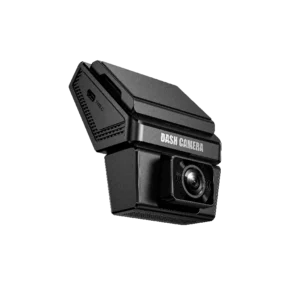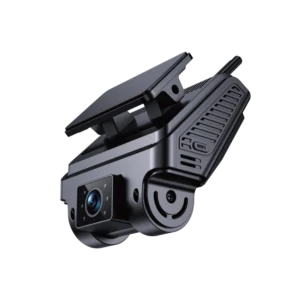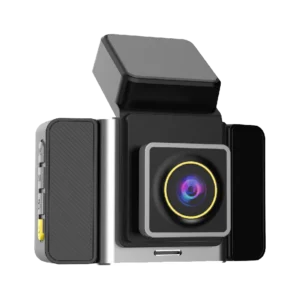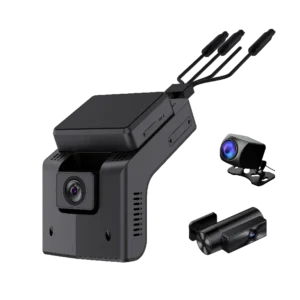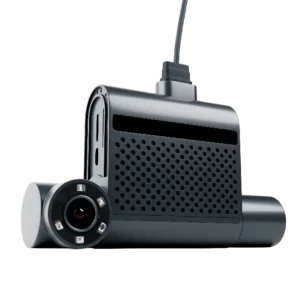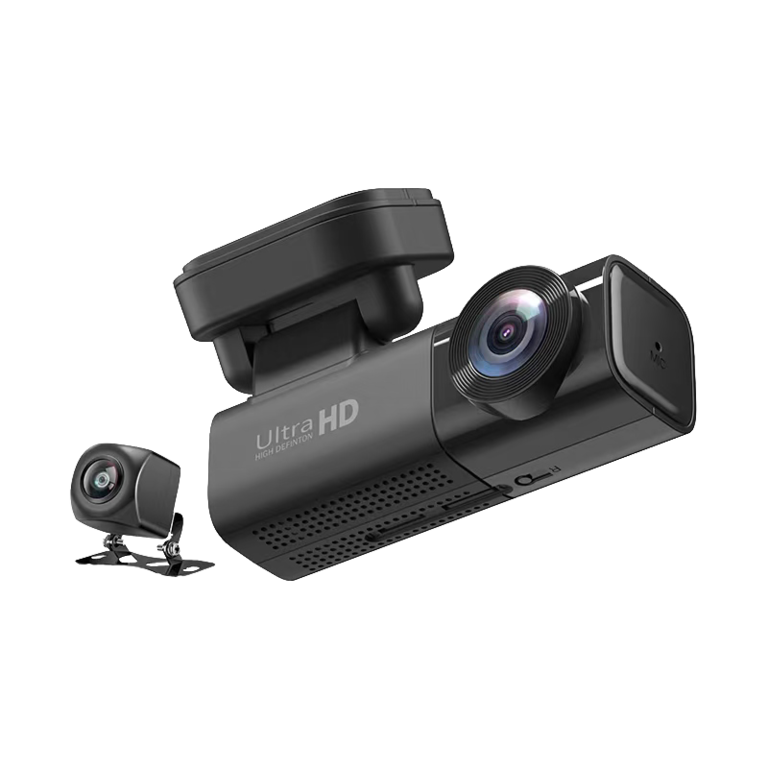

Forward Facing Dash Cam

Clear Evidence, Safer Driving For Individuals & Fleets Vehicle Management

Capture Critical Footage, Prevent Risks, Cut Costs

Applications
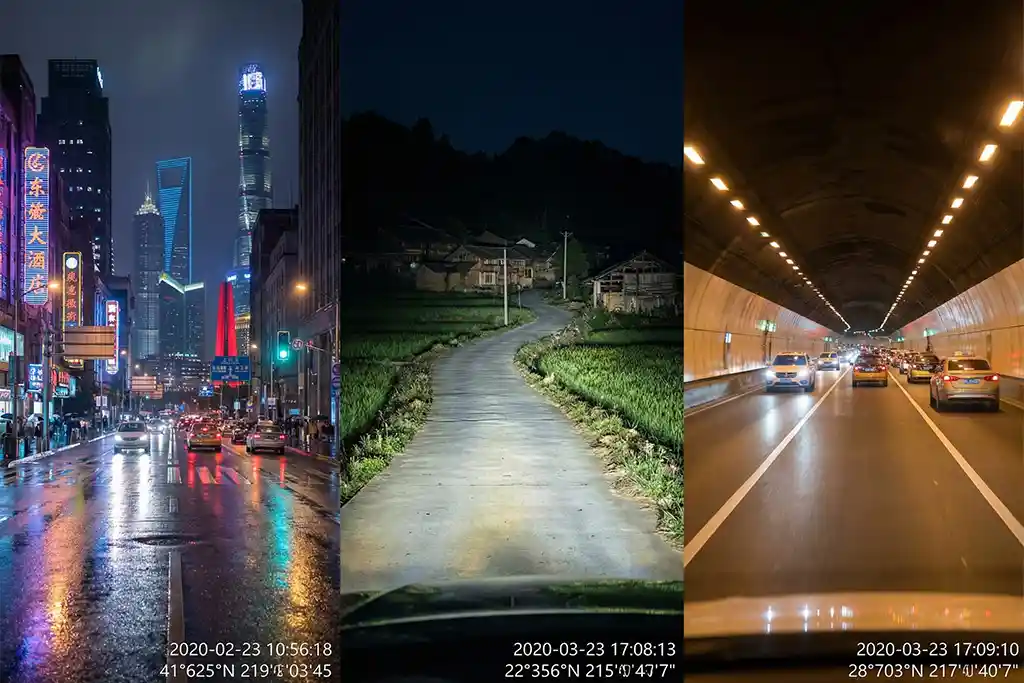
Multiple User Scenarios for Forward Facing Dash Cam

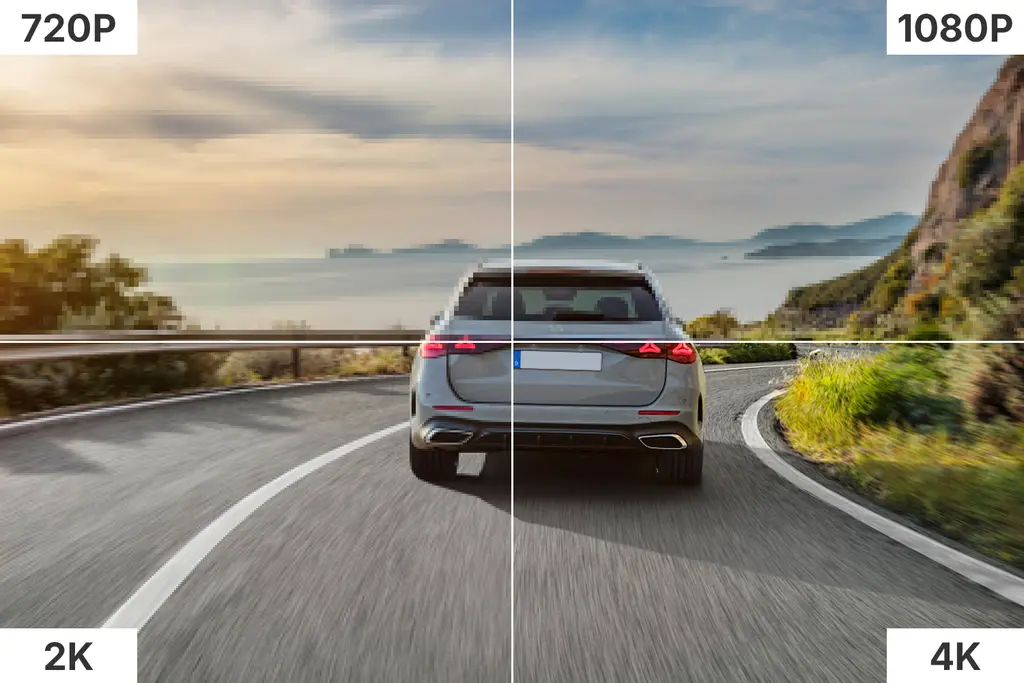
High-Definition Image Quality, No Compromise on Details​

Small Batches Users

Full-Dimensional Protection, Adaptable to Multiple Scenarios

Fleet & Business Users

Product Overview

Great Will’s Front Dash Cam | Key Features

  • High-quality 125° wide-angle road video footage
  • Customizable safety alerts and video notifications
  • Remote access & control for real-time online loop recording of driving video
  • GPS+Beidou dual-satellite positioning module for real-time location tracking
  • Equipped with Starlight Night Vision / Low-Light Night Vision / Super Sensitive Night Vision technology for night video recording
  • Dual power supply options: hardwired connection or OBD-II port connection
  • Three installation types: suction cup mount, 3M adhesive mount, and vehicle-specific hidden mount
  • Sleek mini design, saves in-car space and avoids obstructing the driver’s view

Perfect for wholesale/custom buyers — get a sample to evaluate quality before bulk orders.

Forward Facing Dash Cam Core Features

High-Definition Recording

2K QHD optional, 130° wide-angle lens for full lane coverage
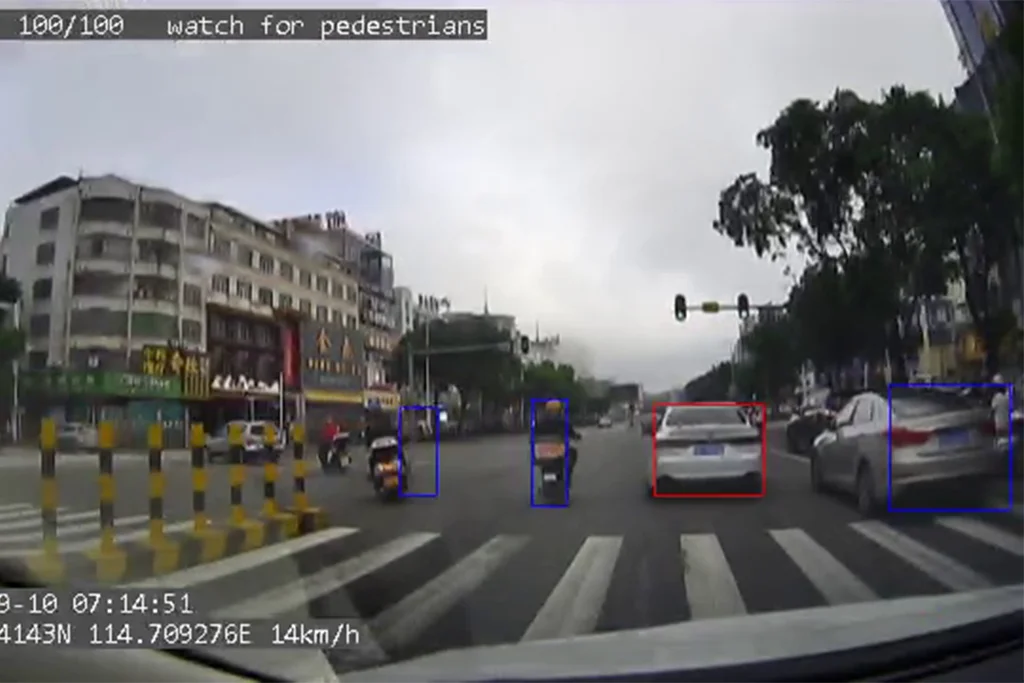
ADAS AI technology identifying vehicles and pedestrians on the road.

AI Smart Enhancement

Driving behavior analysis & real-time risk alert
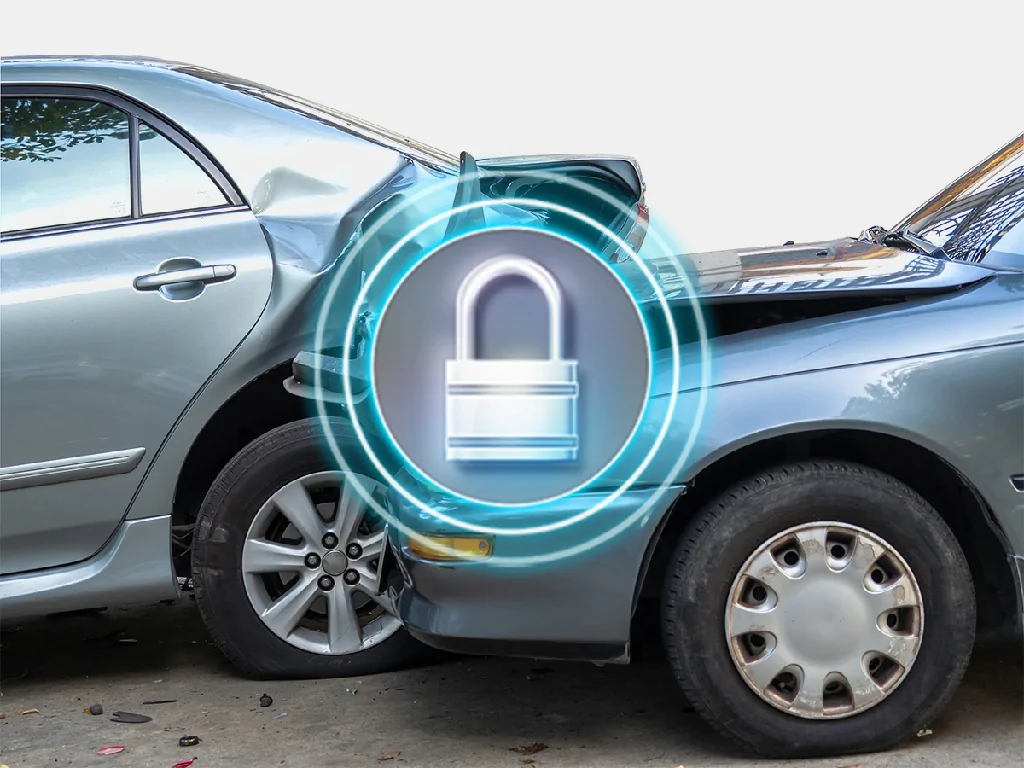
The GD09 dashcam demonstrating its loop recording feature, which automatically locks and saves important collision videos.

Stable Storage

Loop recording + event file lock (auto-protected from overwriting on collision or hard braking)
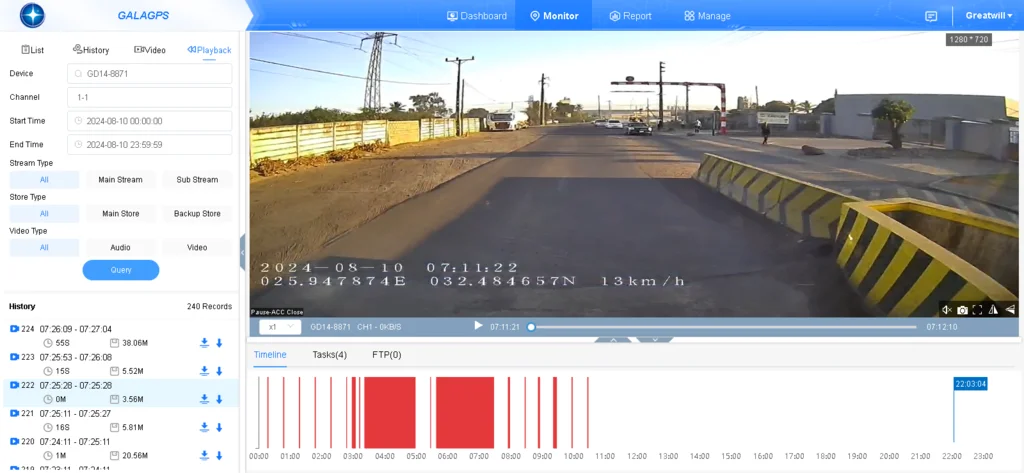
Easy Connectivity

WiFi/GPS/Cloud enabled, remote view and download via mobile phone/PC

Multi-scenario Adaptation

High & low temperature resistant, anti-vibration, compatible with private cars, trucks, RVs and other vehicle types
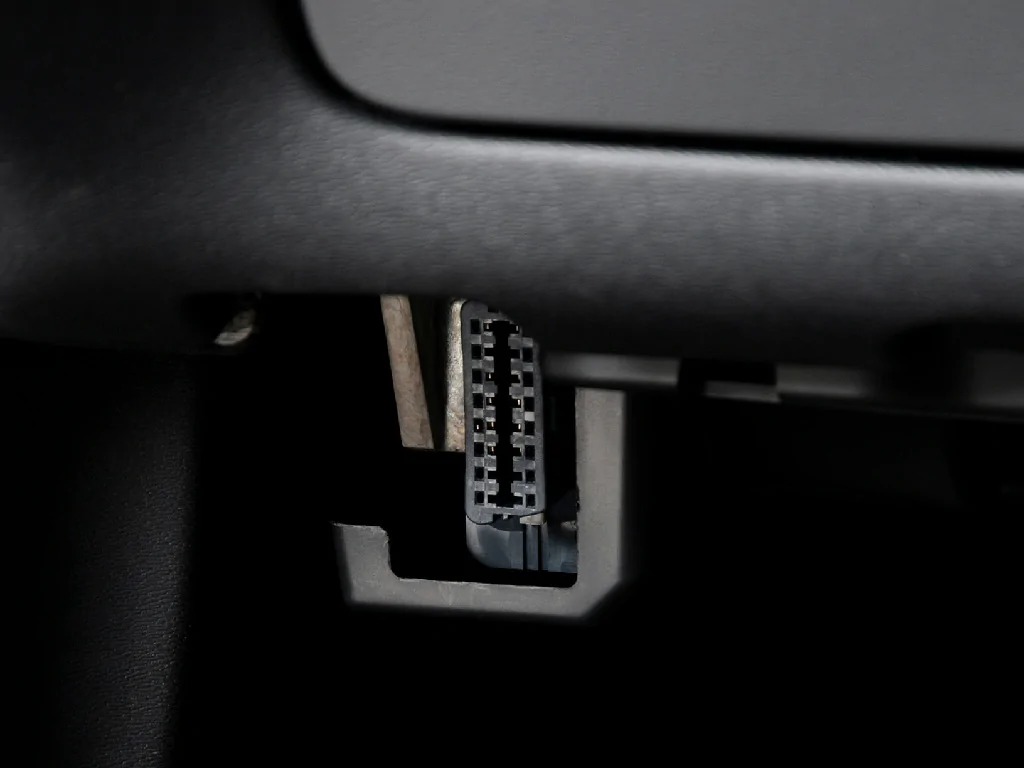
A close-up view of a vehicle's standard OBD-II port, where the GTB10 tracker connects for power and data.

Flexible Power Supply

Two options of OBDII & hardwired, supports 24/7 parking monitoring

Process

How It Works – From Detection to Evidence

Forward Facing Dash Cam

Step 1: Event Trigger

Initiated by G-force sensor, AI recognition, or manual operation

Step 2: Instant Recording

Automatically locks key video clips to prevent overwriting

Step 3: Data Upload

Synchronizes video footage and GPS location data to the cloud via 4G LTE/WiFi

Step 4: Alert Notification

Sends real-time alerts to users/administrators through APP and email

Step 5: Video Access

Retrieve and download high-definition footage anytime, anywhere via the dedicated device/APP

Perfect for wholesale/custom buyers — get a sample to evaluate quality before bulk orders.

Why Choose Us for Dashcam Wholesale & Car DVR Supply?

GreatWill professional Dashcam DVRs are designed for fleet safety and efficient vehicle management. With stable performance, customization support and complete after-sales service, we provide reliable video monitoring solutions for your business.

Tailored to Vehicle Management Needs

Great Will dashcam DVRs can be customized to meet the monitoring requirements of fleets of any scale, providing all-round safety and management support.

OEM & ODM Solutions

We offer flexible OEM & ODM services, supporting customization of product appearance, functions and packaging to build your own brand.

One‑Stop Service

Full support from product selection, customization and sampling to mass production, installation and after-sales. 7Ɨ24-hour technical support ensures worry-free cooperation.

Years of Experience

With over 18 years of industry experience, we have served large fleets worldwide with professional and reliable solutions.

Competitive Pricing

We provide cost-effective products and services to help you lower operating costs while ensuring high quality.

After-Sales Support

Full after-sales support including installation guidance, technical help and system upgrades for a worry-free experience.

Dashcam Customization & Private Label Options

GreatWill provide complete customization and private label services to help you build products that meet your brand needs

Custom Branding & Design

Support custom branding services, including LOGO customization, appearance design and packaging customization, allowing you to easily launch your own branded fleet management solutions.

Private Label

Offer private label services, enabling you to sell GPS trackers and vehicle dashcams under your own brand name without new product development.

Full Customization

Support full-range customization of hardware, firmware and functions to help you deliver unique solutions.

Competitive Pricing & Flexible MOQ

Provide flexible minimum order quantities (MOQ) and competitive pricing based on your requirements.

Process

How to Order Samples and Customize Your Dashcam

4 Steps to Custom Your Dashcam


Step 1: Choose Your Model

Select the model that best fits your fleet needs, such as Dashcam.


Step 2: Customize Your Product

Customize the product appearance, functions and packaging according to your brand requirements. We provide dedicated function customization services.


Step 3: Request a Sample

Fill out the form or contact our sales team to apply for a customized sample. We will provide a physical sample for your evaluation.


Step 4: Place an Order

After sample confirmation, you can proceed with bulk orders. We offer flexible Minimum Order Quantities (MOQ) to meet the needs of businesses of all sizes.

Frequently Asked Questions

Q1: Is a forward-facing dash cam sufficient as accident evidence?

In most daily scenarios, the high-definition footage from a front dash cam is fully valid as accident evidence, ideally suited for common situations such as rear-end collisions, scratches caused by preceding vehicles changing lanes, pedestrian crossings, and single-vehicle accidents (e.g., crashing into guardrails). With the product’s 2K QHD high definition, 1080P Full HD resolution, and 90-130° wide-angle lens, it can clearly record road conditions, license plate information, and traffic light status in front of the vehicle and in adjacent lanes. Meanwhile, driving behavior data logged by the AI risk alert system helps reconstruct the scene before and after the accident, providing key evidence for traffic police liability determination and insurance claims.


Q2: How long is the footage stored?

There is no fixed storage duration for footage, as it primarily depends on memory card capacity and recording resolution, and is also affected by the product’s loop recording mechanism. Below are reference durations for common scenarios (calculated based on high-speed Class 10 or above TF cards):

  • 1080P resolution (basic HD): A 32GB memory card can store approximately 4-6 hours of footage, 64GB stores 8-12 hours, and 128GB stores 16-24 hours,
  • 2K QHD resolution (advanced HD): A 32GB memory card can store approximately 2-3 hours of footage, 64GB stores 4-6 hours, and 128GB stores 8-12 hours.

The product supports loop recording. When the memory card is full, it will automatically overwrite the earliest unlocked files to achieve non-stop recording. Meanwhile, in the event of sudden incidents such as collisions or hard braking, the AI sensing system will immediately trigger event file locking. Locked footage will not be overwritten, preserving critical evidence for the long term. It is recommended to use a high-speed TF card of 64GB or larger to balance storage duration and image quality, if important footage needs to be retained for a long time, it can be promptly exported to a mobile phone or computer for backup via WiFi/Cloud functions.


Q3: Where is the best installation position?

The optimal installation position is the area behind the rear view mirror on the front windshield. Specific requirements and reasons are as follows:

  1. Core Position:Ā The black edge area of the front windshield directly behind the rear view mirror (attach closely to the rear view mirror if there is no black edge). This location maximizes device concealment, avoids obstructing the driver’s view, reduces lens glare caused by direct sunlight, adapts to the product’s high and low temperature resistance, and minimizes damage to the device from high-temperature exposure.
  2. Angle Adjustment:Ā After installation, calibrate the lens to ensure the lower part of the screen covers 1/3 of the vehicle’s hood, and the left and right sides extend to the lane edges. Utilize the 130° wide-angle lens to achieve full lane coverage, avoiding image distortion or missing fields of view.

Precautions:Ā Keep away from the front windshield’s rain sensor and lane-keeping assist camera (to avoid interfering with the original vehicle functions), the installation height should not be lower than the upper limit of the windshield’s black edge, and must not block the driver’s view (complying with traffic regulations), for large vehicles such as trucks and RVs, adjust the position according to the curvature of the windshield to ensure the lens is unobstructed and the recording angle covers the front of the vehicle and the range of both side mirrors.

After installation, it is recommended to start the device, preview the screen via the mobile APP, fine-tune the angle to the optimal state, check if the GPS signal is normal (to ensure timestamp synchronization), and verify that the hardwiring/OBDII power lines are neatly hidden to avoid affecting driving safety.


Support

Frequently Asked Questions

12333

Custom Dashcam OEM & ODM Services / Provide Your One-Stop Dash Cam Solutions

Looking for reliable dashcam solutions?

Contact us today for a custom quote. Our professional team provides tailored dash cam solutions to match your exact business needs.


čÆ¢ē›˜č”Øå•